VPC Endpoint Policies
When you create an Interface Endpoint or gateway, you can attach an endpoint policy to control access to the service you are connecting to. A VPC Endpoint policy is an IAM resource policy that you attach to the endpoint. If you do not attach a policy when creating an endpoint, AWS will attach a default policy for you to allow full access to the service through the endpoint.
You can create a policy that only restricts access to specific S3 buckets. This is useful if you only want certain S3 Buckets to be accessible through the endpoint.
In this section, you will create a VPC Endpoint policy that restricts access to the S3 bucket specified in the VPC Endpoint policy.
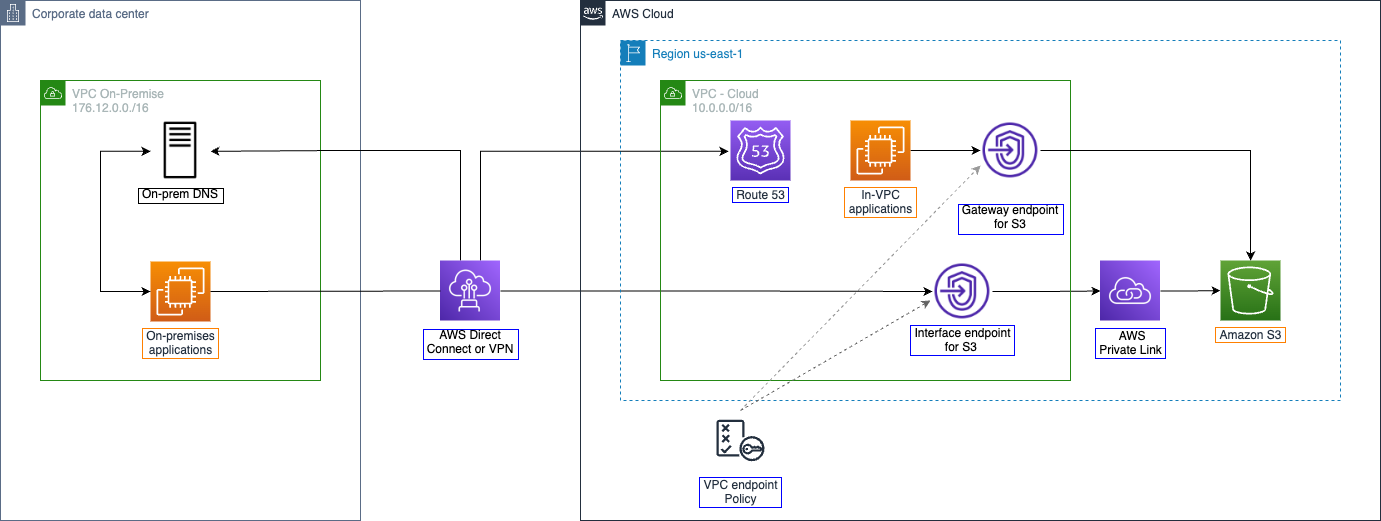
Connect to EC2 and verify connectivity to S3.
- Start a new AWS Session Manager session on the server named Test-Gateway-Endpoint. From this session, verify that you can list the contents of the bucket you created in Part 1: Access S3 from VPC.
aws s3 ls s3://<your-bucket-name>

The contents of the bucket include two 1GB files uploaded previously.
- Create a new S3 bucket; follow the naming pattern you used in Part 1, but add ‘-2’ to the name. Leave other fields as default and click Create.
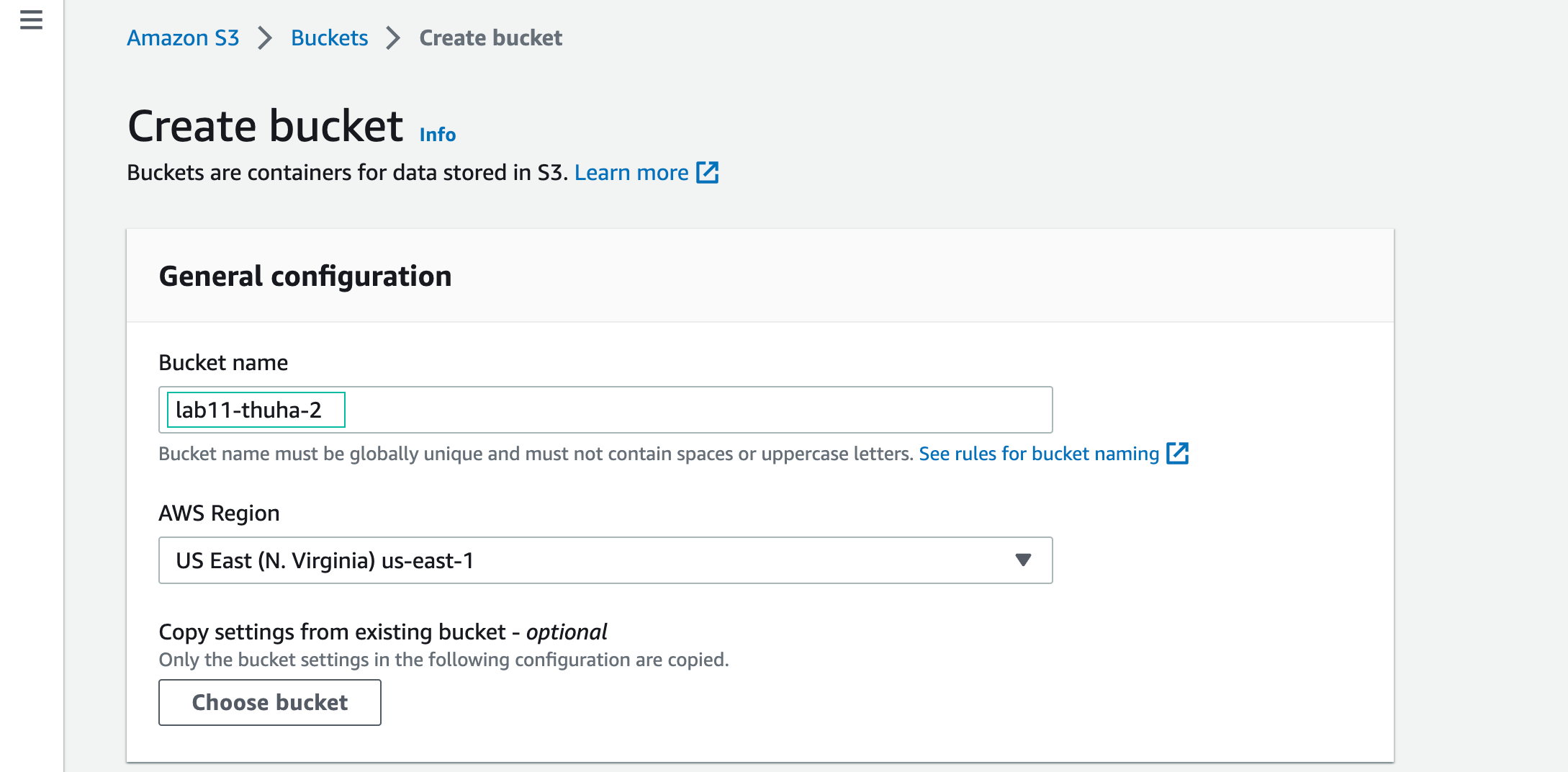
- Successfully created bucket.

The default policy allows access to all S3 Buckets through the VPC endpoint.
- In the Edit Policy interface, copy and paste the following policy, replacing yourbucketname-2 with the name of your second bucket. This policy will allow access to the new bucket through the VPC endpoint, but will not allow access to other buckets. Choose Save to activate the policy.
{
  "Id": "Policy1631305502445",
  "Version": "2012-10-17",
  "Statement": [
    {
      "Sid": "Stmt1631305501021",
      "Action": "s3:*",
      "Effect": "Allow",
      "Resource": [
      				"arn:aws:s3:::yourbucketname-2",
       				"arn:aws:s3:::yourbucketname-2/*"
       ],
      "Principal": "*"
    }
  ]
}
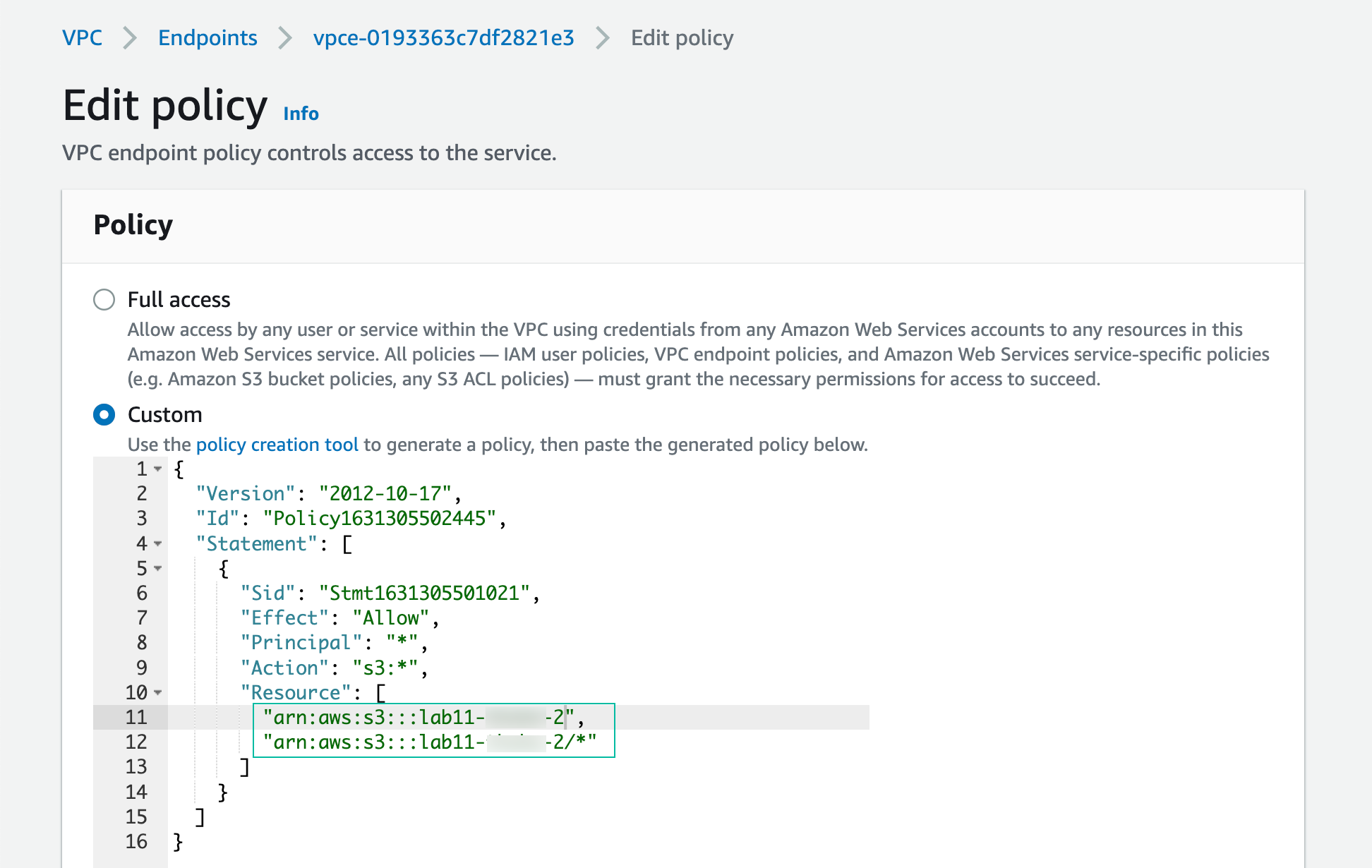
Successfully configured policy.
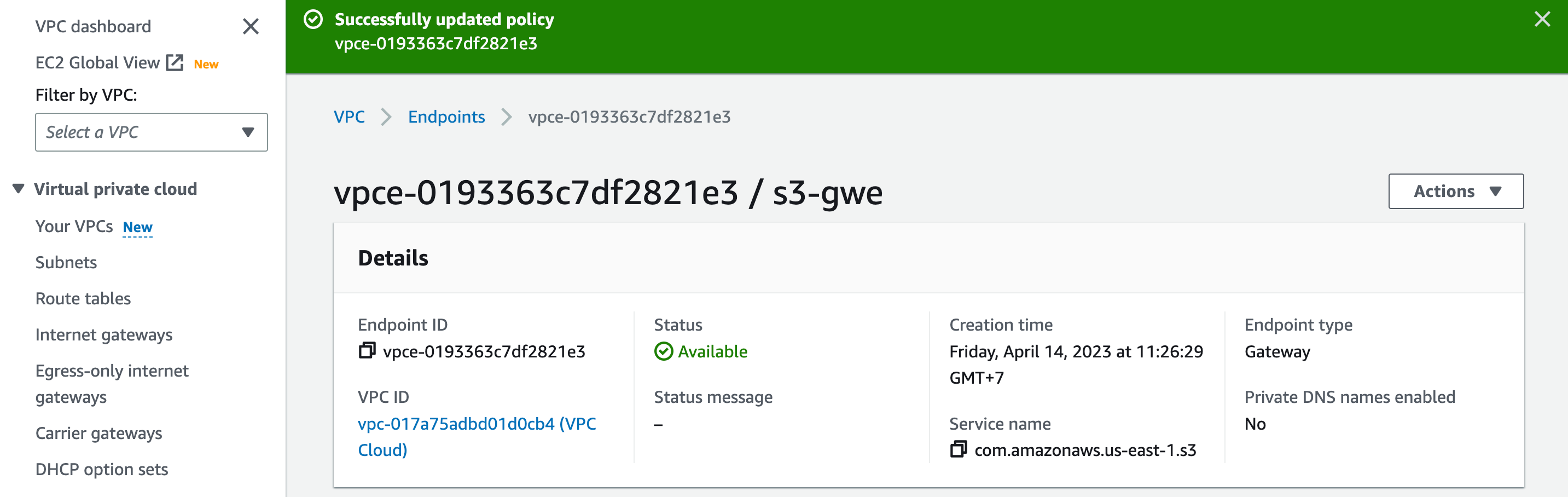
- From your session on the Test-Gateway-Endpoint instance, test access to the S3 bucket you created in the first step
aws s3 ls s3://<yourbucketname>
The command returns an error because access to the S3 bucket is not permitted in the VPC endpoint policy.

- Return to your home directory on the EC2 instance
cd ~
- Create file
fallocate -l 1G test-bucket2.xyz - Copy file to the 2nd bucket
aws s3 cp test-bucket2.xyz s3://<your-2nd-bucket-name>

This operation is permitted by the VPC endpoint policy.
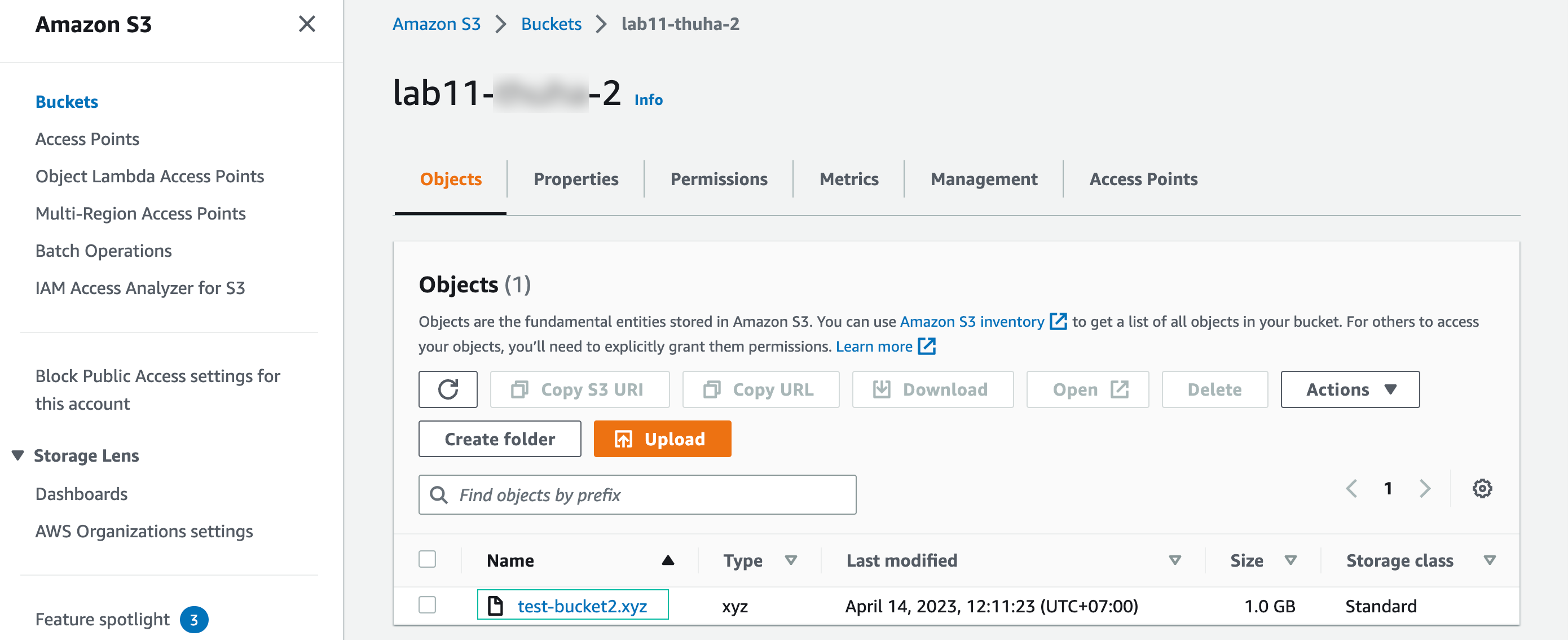
Then we test access to the first S3 bucket
aws s3 cp test-bucket2.xyz s3://<your-1st-bucket-name>

The command encounters an error because the bucket is not granted access by the VPC endpoint policy.
In this section, you created a VPC Endpoint policy for Amazon S3 and used the AWS CLI to test the policy. The AWS CLI operations related to your original S3 bucket failed because you applied a policy that only allows access to the second bucket you created. The AWS CLI operations targeting your second bucket succeeded because the policy allowed them. These policies can be useful in situations when you need to control access to resources through a VPC Endpoint.