Clean up resources
Clean up resources
Congratulations on completing this lab! In this lab, you learned about architecture patterns to access Amazon S3 without using the Public Internet.
- By creating a Gateway endpoint, you allowed direct communication between EC2 resources and Amazon S3, without going through an Internet Gateway. By creating an Interface endpoint, you extended S3 connectivity to resources running in your on-premises data center via AWS Site-to-Site VPN or Direct Connect.
Clean up
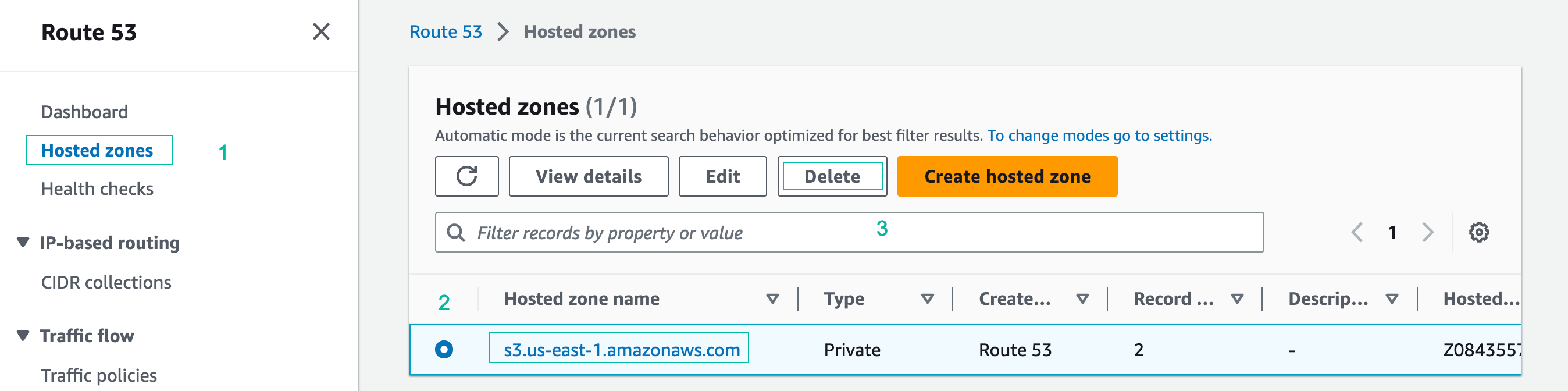
- Navigate to Hosted Zones on the left side of the Route 53 console. Click on the name of the s3.us-east-1.amazonaws.com zone. Click Delete and confirm the deletion by typing the keyword “delete”.
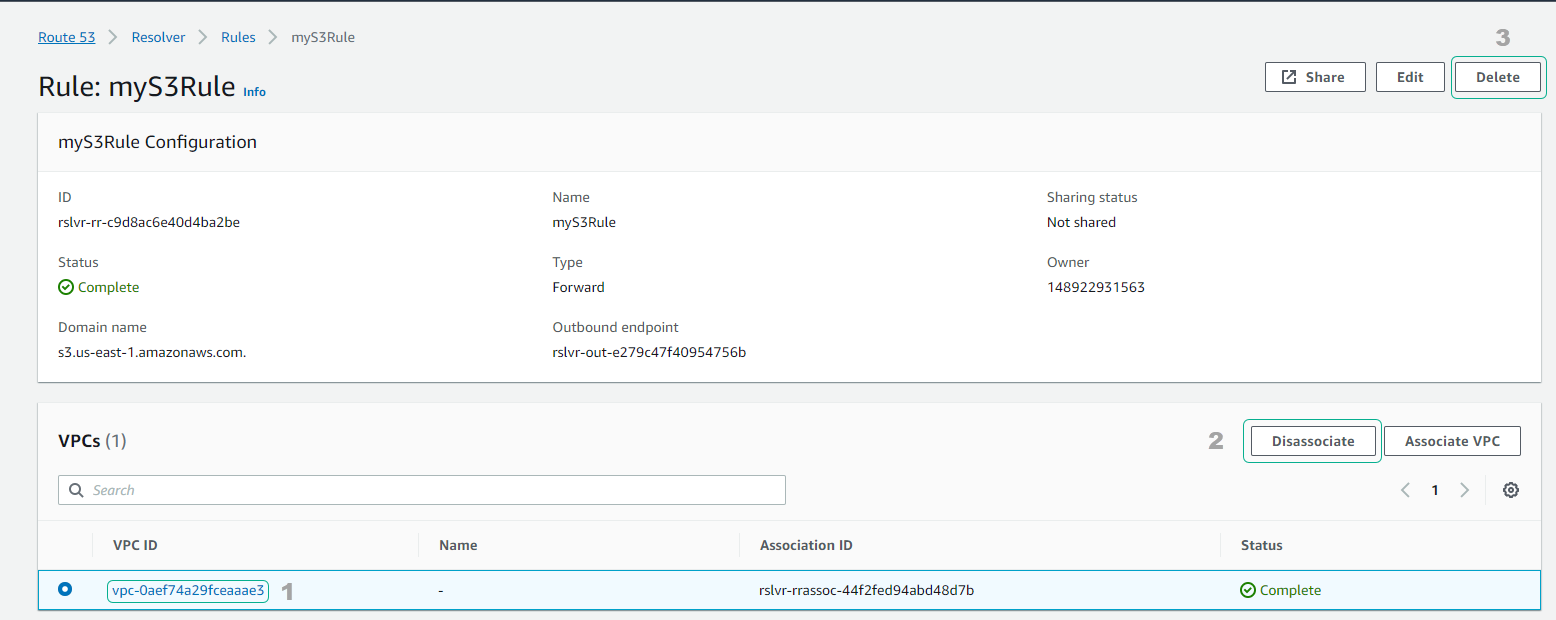
- Disassociate Route 53 Resolver Rule - myS3Rule from “VPC Onprem” and Delete it.
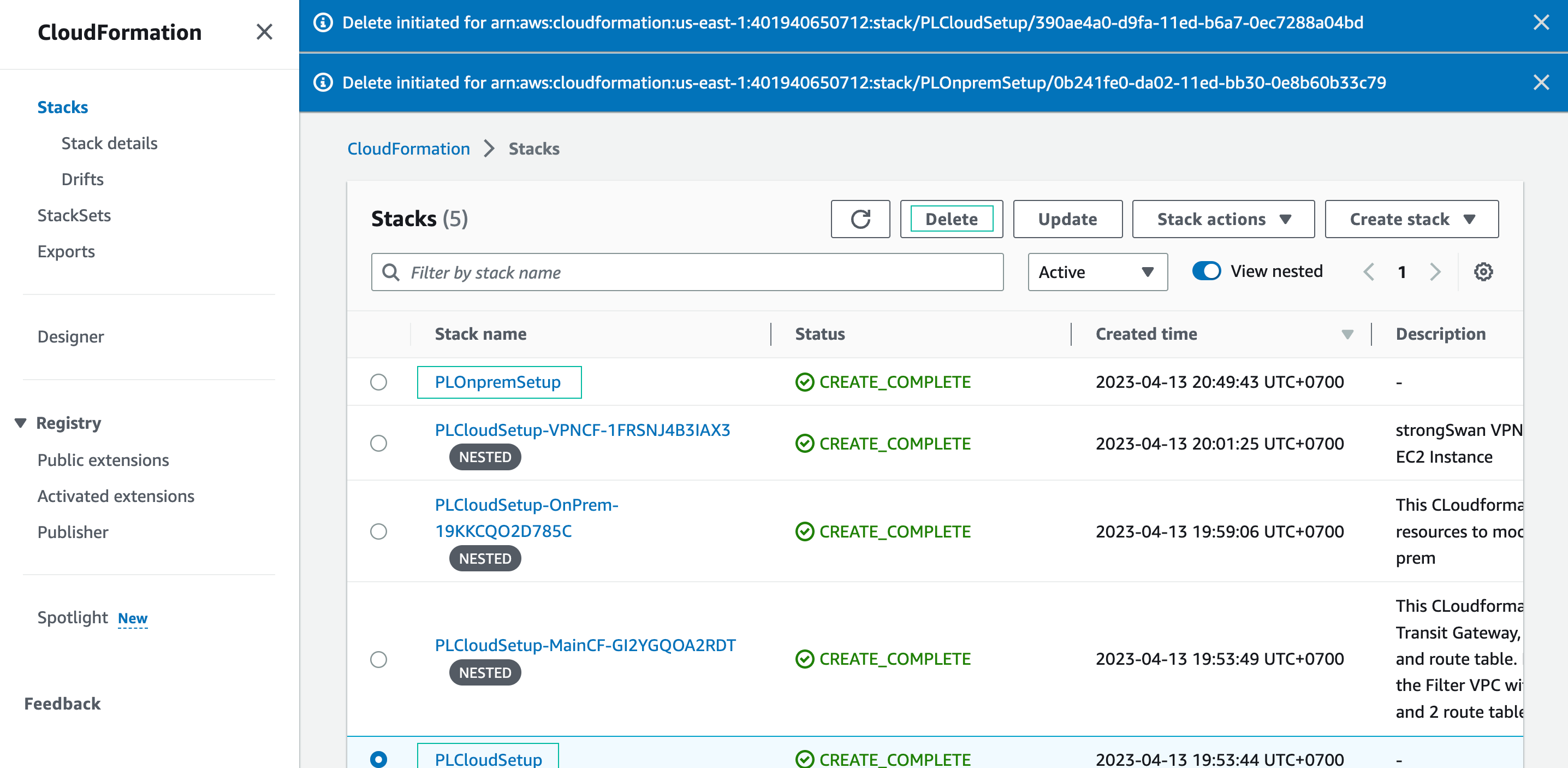
- Open the CloudFormation console and delete the two CloudFormation stacks you created for this lab:
- PLOnpremSetup
- PLCloudSetup
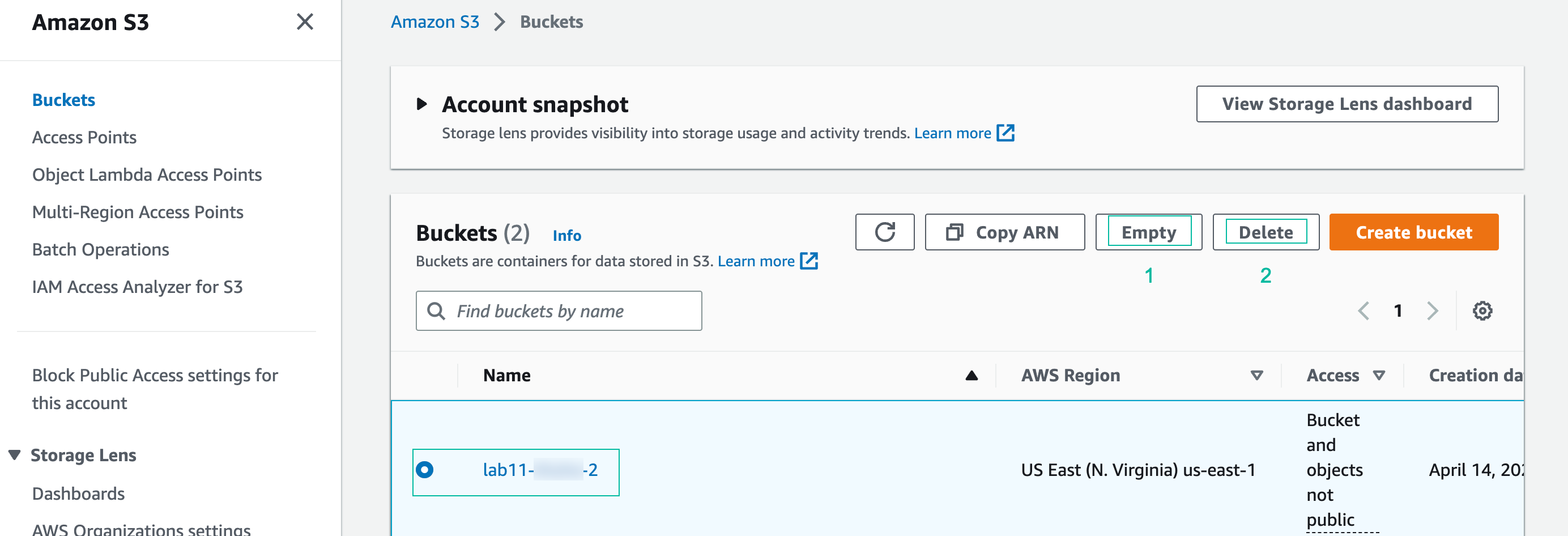
- Delete S3 buckets
- Open the S3 console
- Choose the bucket we created for the lab, click and confirm it is empty. Click Delete and confirm delete.